GeneralEngadgetstaff@engadget.com (Vincent Arogya)
Why your MacBook desktop Spaces keep rearranging themselves and how to stop it
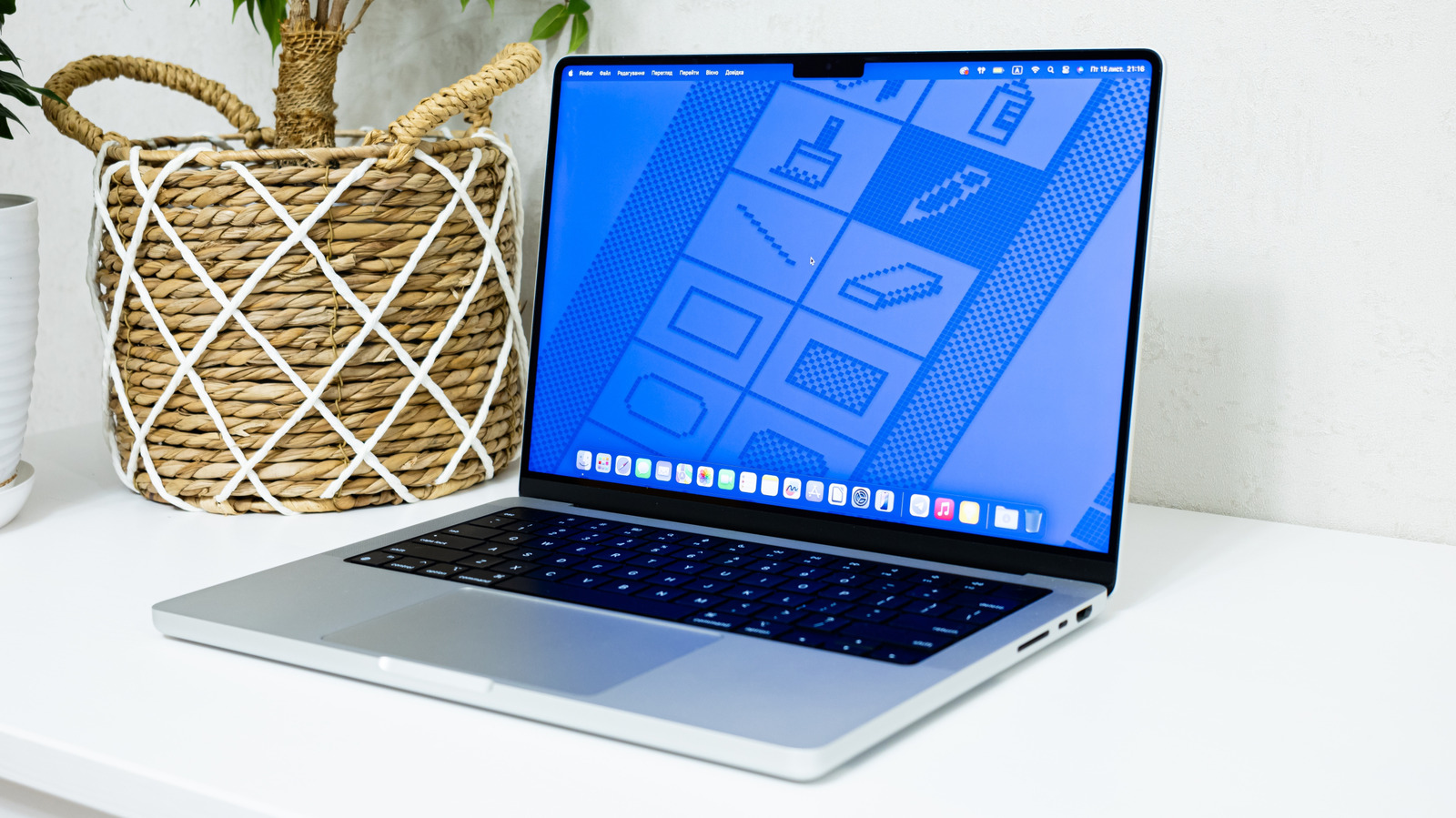
At a glance
Disable a Mission Control-specific setting to keep Spaces from switching.
- Primary source
- Engadget — Read original article
- Published
- Topic
- General
Disable a Mission Control-specific setting to keep Spaces from switching.
This summary comes from Engadget. Read the full article at the original source.